FIBO 2 · generate & edit
FIBO 2 AI image generator & photo editor
Write a brief or upload up to 4 photos. FIBO 2 turns your words into posters, product shots, infographics and precise photo edits. Your first FIBO 2 image is free.
01Reference photos
0/4 · JPG, PNG, WebP03Aspect ratio
Auto keeps the shape of your first photo.
- Model
- FIBO 2
- Output
- HD JPG
- Cost
- 2 credits
Sign up free: your first FIBO 2 image is on us.
01 / Try it
What to make with FIBO 2
FIBO 2 does best with specific prompts. Start from one of these and swap in your own subject, text and colors.
Posters & type01
“Swiss style concert poster, huge red headline "NIGHT SHIFT", grid layout, off-white paper, small date line at the bottom.”
Product shots02
“Amber glass serum bottle on a wet black stone, soft rim light, mist in the background, label facing the camera.”
Infographics03
“Clean infographic of the water cycle with four labeled stages, arrows, flat pastel colors and a short title.”
Photo edits04
“Keep the person exactly the same, replace the background with a sunlit Paris balcony, match the light on the face.”
02 / Prompt library
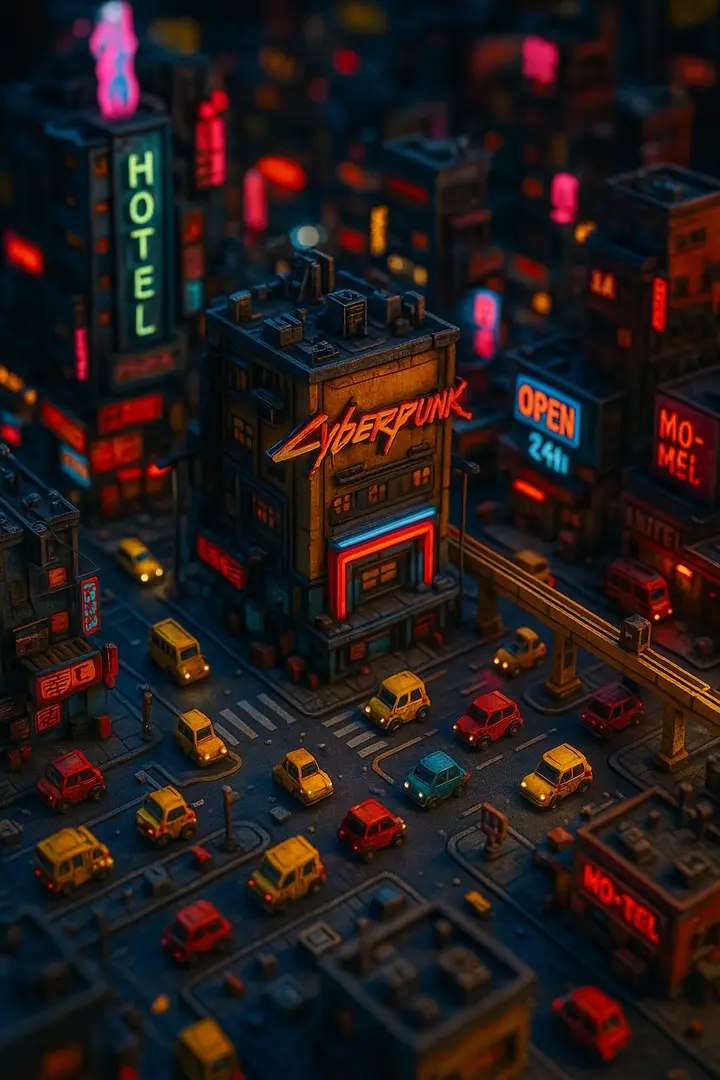
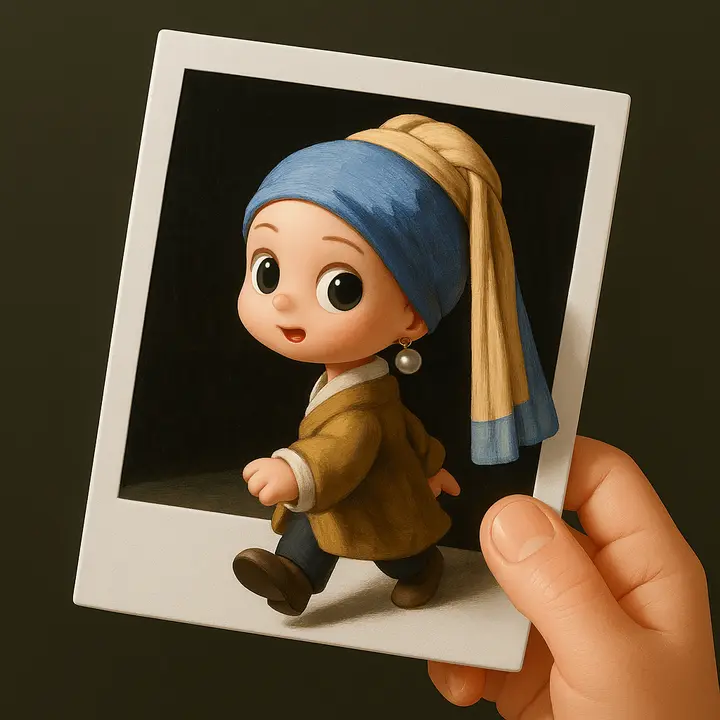
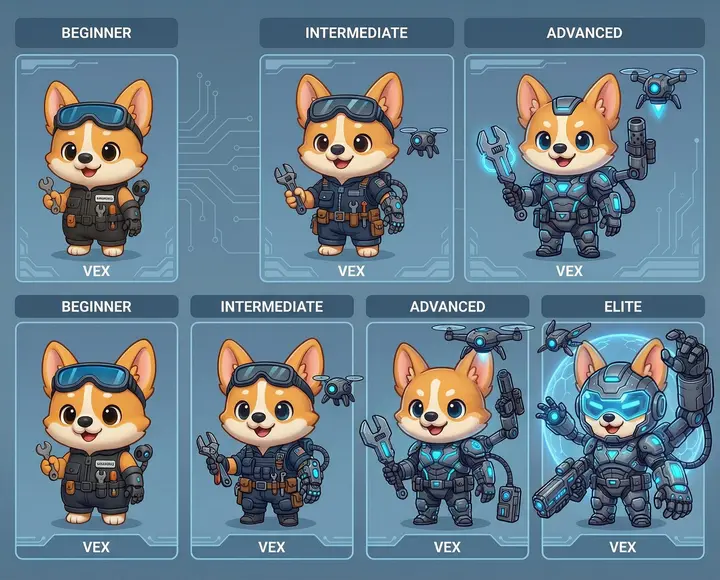
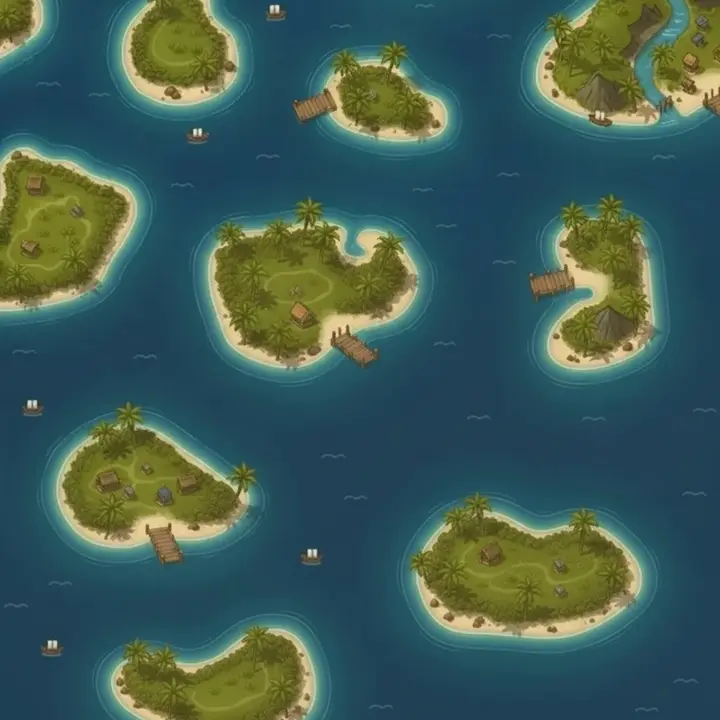
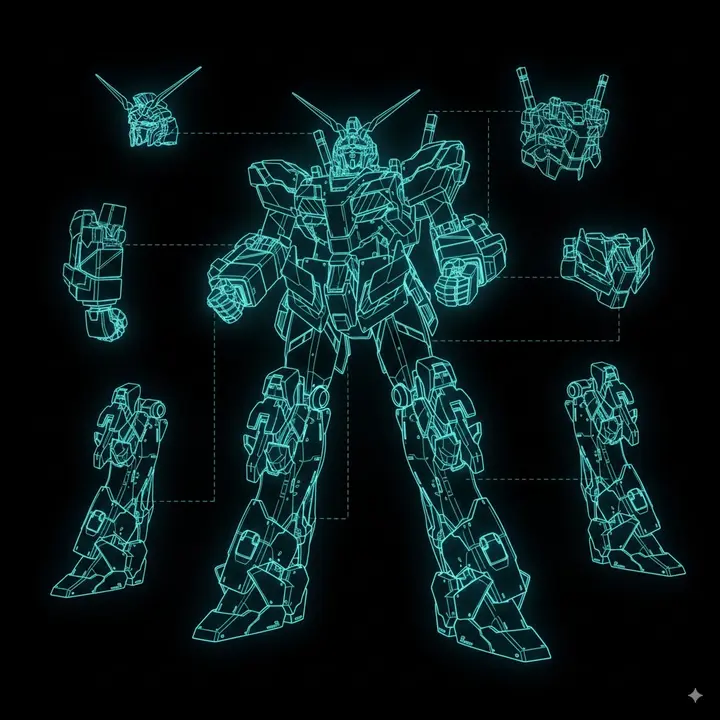
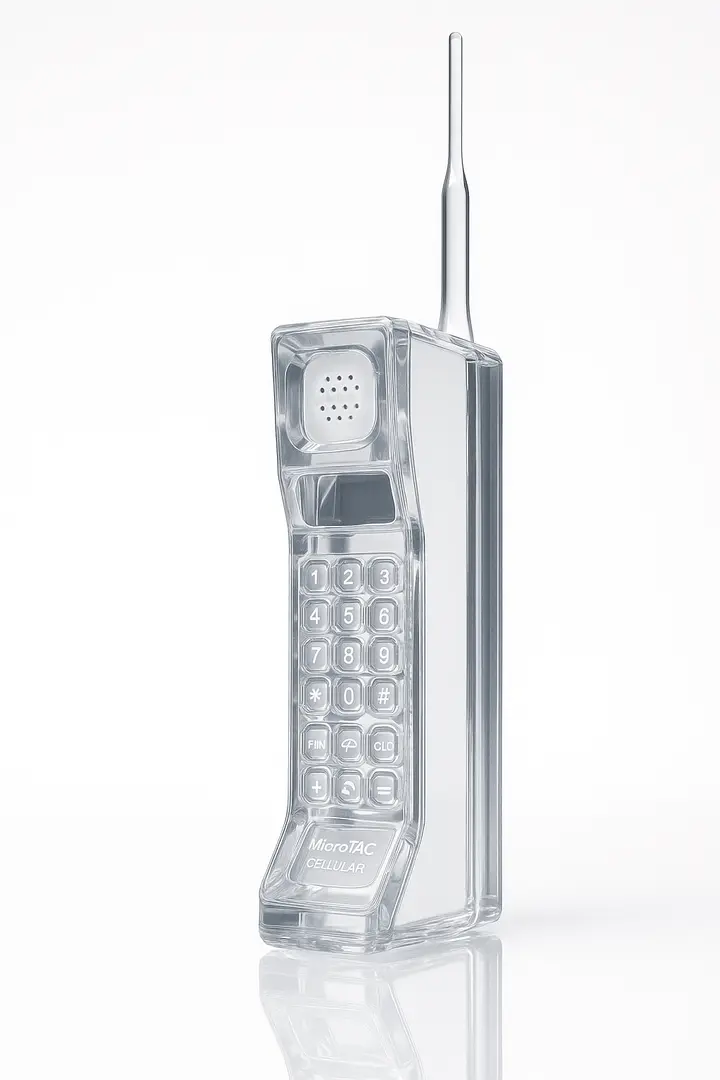
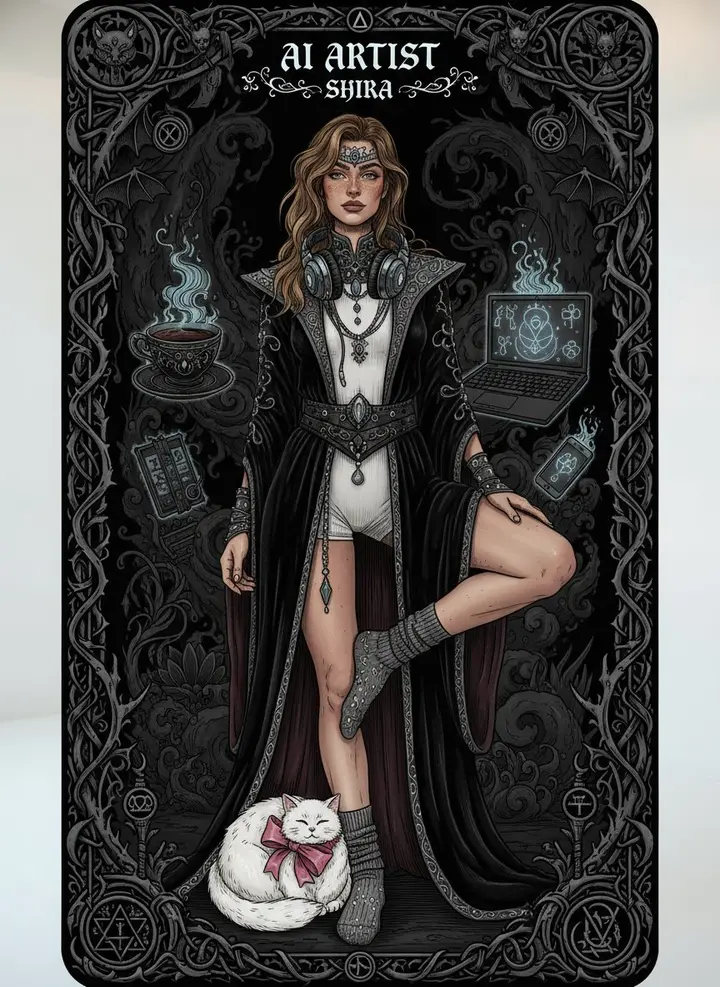
180 FIBO 2 prompts, each with a real example
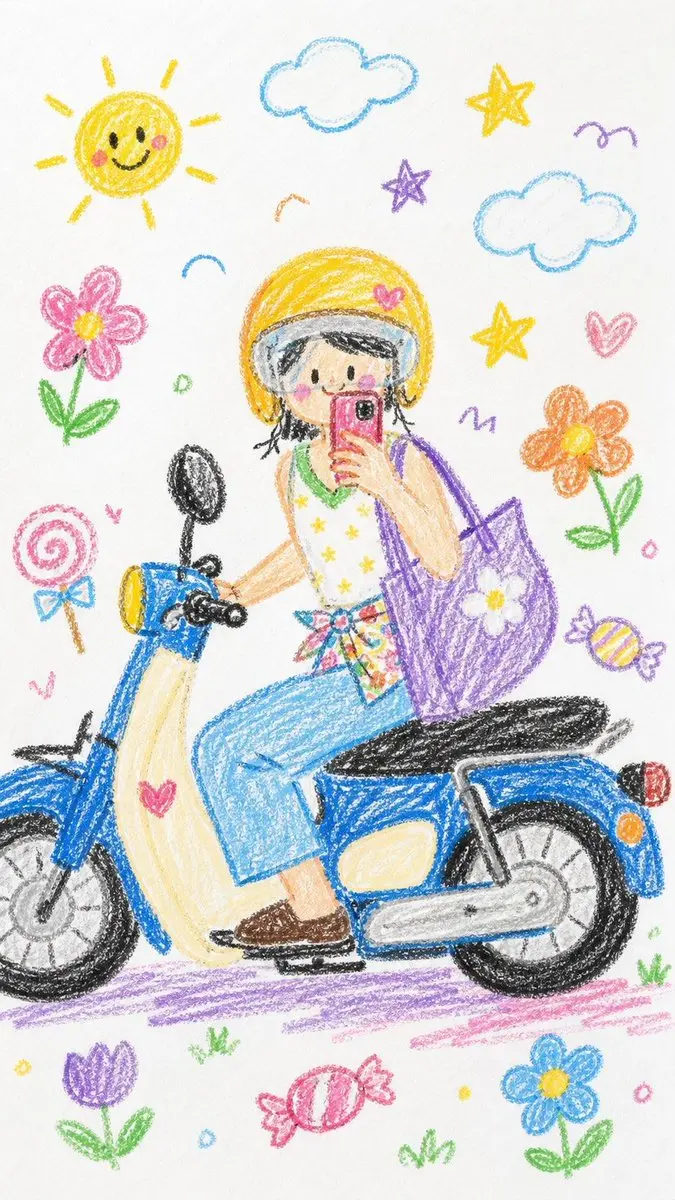
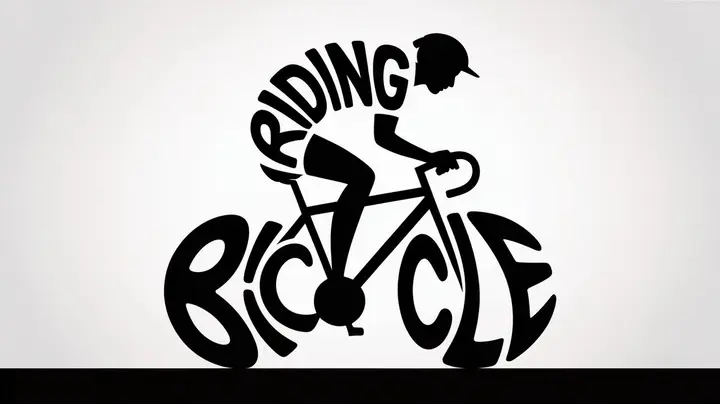
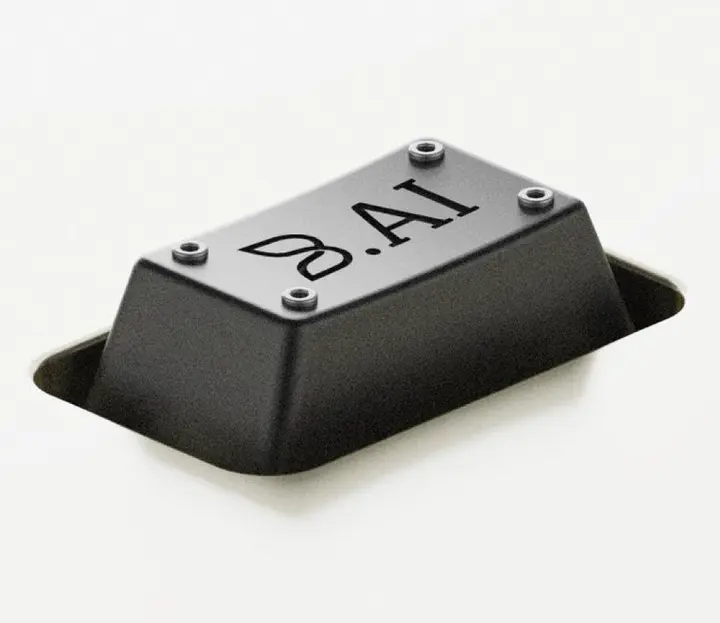
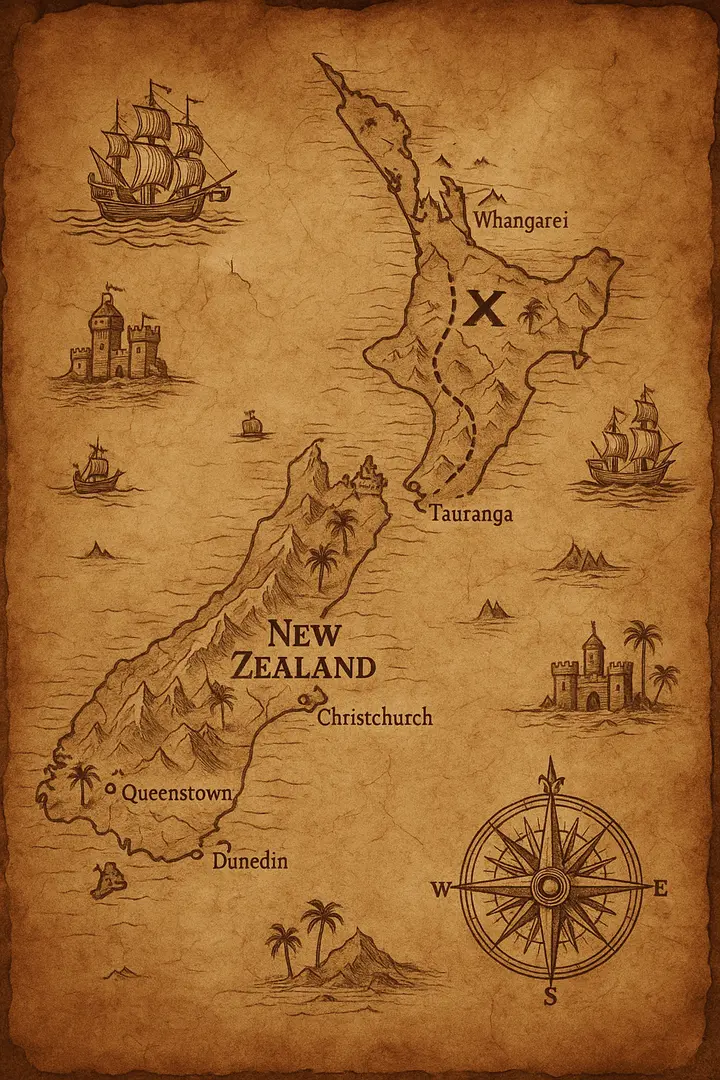
Hover a card to read the full prompt, then load it into the FIBO 2 editor in one click.
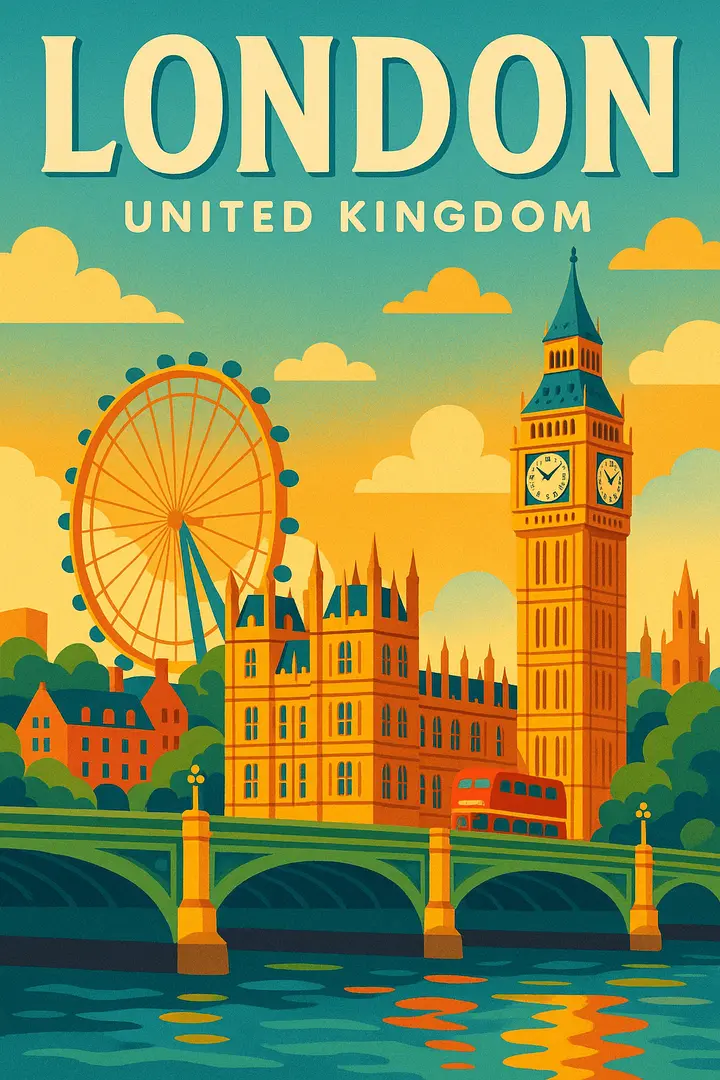
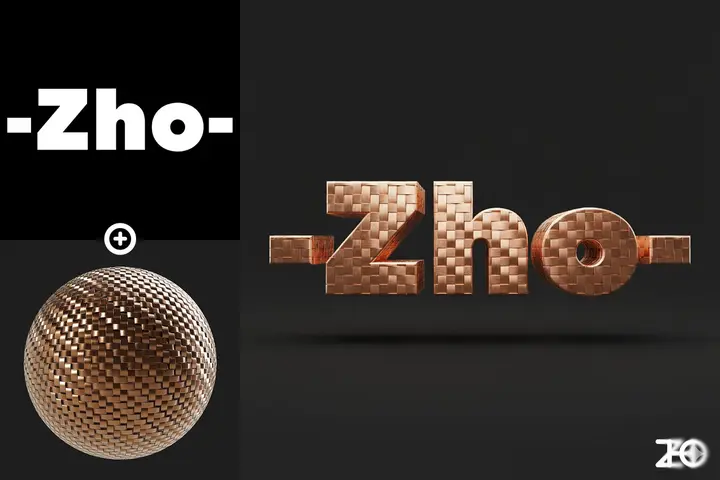

03 / About
What is FIBO 2?
FIBO 2 is an online AI image generator and photo editor at fibo2.org. Type a prompt to create a new picture, or upload up to 4 photos and tell FIBO 2 what to change. The model turns your words into a detailed visual brief (subject, lighting, camera, composition and text) before it renders, so posters, product shots, infographics and edits come out the way you described them.
Prompts become a structured brief
FIBO 2 expands a plain sentence into a full scene description: objects, background, light, lens and color. Long, specific prompts are followed closely instead of being skimmed.
Text, layouts and diagrams
Headlines on posters, labels on packaging, captions on infographics. FIBO 2 is strongest on knowledge-heavy prompts, so explainer graphics and maps hold together.
Edit with up to 4 reference photos
Change the background, relight a product, restyle a room or swap an outfit with FIBO 2. The first photo is edited; extra photos can be blended in as references.
Eight aspect ratios
FIBO 2 renders square for feeds, 4:5 and 9:16 for stories and reels, 16:9 and 3:2 for banners and thumbnails, or Auto to keep the shape of your photo.
Trained on licensed data
According to its developer, FIBO 2 was trained only on licensed images. You own what you create and can use it in commercial work.
180+ ready-made prompts
Posters, product shots, infographics, scenes, portraits and art styles, each with a real example. One click loads a prompt into the FIBO 2 editor.
fibo2.org is an independent service that gives you a simple editor and gallery for the FIBO 2 model. It is not affiliated with or endorsed by the model's developer.
04 / How it works
From brief to image in four steps
- STEP 01
Choose a mode
FIBO 2 text to image creates from a prompt. FIBO 2 image to image edits your own photo with an instruction.
- STEP 02
Write the brief
Describe the subject, setting, light and any text you want in the picture, or start from one of the ready-made prompts.
- STEP 03
Pick a shape and generate
Choose an aspect ratio and press Generate. FIBO 2 charges 2 credits per image and is usually ready in 10 to 40 seconds.
- STEP 04
Download or iterate
Save the JPG, or send the result back into FIBO 2 for another round. Everything you make stays in your private History.
05 / Spec sheet
Input, output and price at a glance
- Model
- FIBO 2 (generate and edit).
- Modes
- Text to image: create from a prompt. Image to image: edit your own photos with an instruction.
- Input
- Text to image: a prompt of up to 6,000 characters. Image to image: 1 to 4 JPG, PNG or WebP photos (15 MB each) plus an instruction.
- Aspect ratios
- Auto, 1:1, 4:5, 3:4, 2:3, 9:16, 16:9 and 3:2.
- Output
- One FIBO 2 image per run, about 1 megapixel, downloaded as a JPG. No watermark with a plan or credit pack; free images carry a small logo.
- Price
- 2 credits per FIBO 2 image. Your first image is free after sign up, then as low as $0.10 per image.
- Speed
- FIBO 2 usually finishes an image in 10 to 40 seconds.
- Privacy
- Uploads and results are private to your account. Delete any image from History at any time.
06 / Pricing
FIBO 2 pricing, plain and simple
$0.10 per image on the Max plan billed yearly. Every image costs 2 credits. Start with a free image, then pick a plan or a one-time pack.
Credit packs
Pay once, no subscription. Pack credits never expire and are used after subscription credits.
How credits work
- 2 credits = 1 image
- Text to image or photo edit, every FIBO 2 image costs the same. Paid images have no watermark and can be used commercially.
- 1 free image after sign up
- Try FIBO 2 without a credit card. The free image carries a small logo.
- Yearly saves up to 37%
- Yearly plans are billed once a year and still get their credits month by month. Unused plan credits expire at the end of each month.
- Credit packs never expire
- One-time packs from $19.90. Pack credits are used after plan credits.
- Failed images are refunded
- If a FIBO 2 generation fails or is blocked by the safety filter, its credits go straight back to your balance.
- Cancel anytime
- Cancel or switch plans from your billing page. Upgrades apply right away, downgrades and cancellations at the end of the period. Prices in USD.
Start free
Your first FIBO 2 image is on us
Sign up and generate one FIBO 2 image free. No credit card, nothing to install.